
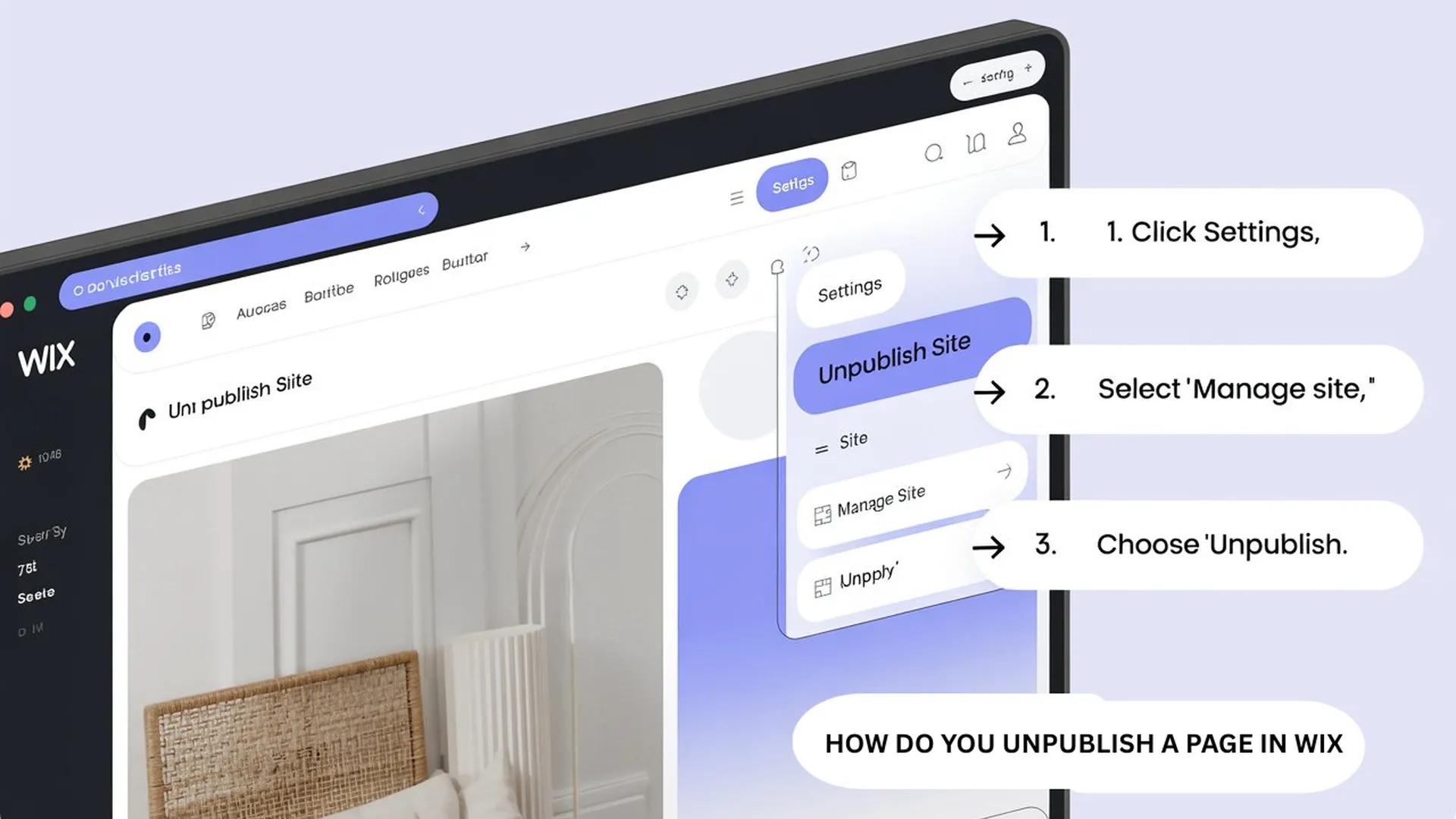

Creating a website on Wix is easy, but many users later decide they want to hide the website for some time. Some people redesign their pages before making them public again, while others want to remove outdated information from visitors. In many cases, users simply want privacy without deleting all their hard work.
A lot of beginners search for answers like “how to unpublish a Wix site” or “how do you unpublish a page in Wix” because the option is not always easy to find the first time. The good part is that Wix allows users to hide a website in only a few minutes.
When you unpublish a site, your content stays safe inside your account. Your pages, images, blogs, and settings are not deleted. The website simply becomes unavailable to the public until you publish it again.
What Happens When You Unpublish a Wix Site
When a Wix website is unpublished, visitors can no longer open the website online. If someone enters the domain name, the website will not load publicly anymore. However, everything remains saved inside the dashboard.
This option is useful for people working on website updates, changing business information, redesigning layouts, or temporarily stopping services. Many users worry that unpublishing may remove all their content, but that is not true. It only hides the website from public access.
This is different from deleting a website. Deleting removes everything permanently, while unpublishing keeps your work secure for future use.
Difference Between Unpublishing and Deleting a Wix Website
Many new users get confused between deleting and unpublishing. These two options work very differently.
When you delete a website, all pages, blog posts, SEO settings, media files, and connected data may be removed permanently. Recovering deleted data later can become difficult.
Unpublishing is much safer because the website still stays inside your Wix account. You can open it anytime, edit pages, and republish it whenever needed.
This is why most website owners prefer unpublishing instead of deleting, especially when they are unsure about removing the website forever.
How to Unpublish a Wix Site Step by Step
The process is simple and does not take much time.
First, log in to your Wix account using your email and password. After opening the dashboard, choose the website you want to hide.
Inside the dashboard menu, open the website settings section. Scroll down until you find the “Unpublish” option. Click on it and confirm your action.
After confirmation, your website will no longer be available to public visitors. Your design and website content will remain stored safely inside your account.
To check whether the process worked correctly, open your website link in incognito mode or another browser. If the website does not load publicly, the site has been unpublished successfully.
Can You Publish the Website Again Later
Yes, Wix allows users to publish the website again whenever they want.
This feature is useful for people who temporarily pause their business websites or redesign pages before relaunching them. Once your updates are complete, you can return to the dashboard and click the publish button again.
The website becomes visible online almost instantly after publishing.
This flexibility is one of the reasons many people prefer using Wix for website management.
How Do You Unpublish a Page in Wix
Many users do not want to hide the full website. Instead, they only want to remove one page from public view. That is why people often search for “how do you unpublish a page in Wix.”
Wix does not provide a direct unpublish button for single pages. Instead, users can hide pages or limit access using page settings.
To do this, open the Wix Editor and go to the “Menus & Pages” section. Choose the page you want to hide and open its settings.
You can remove the page from navigation menus so visitors cannot easily access it. If you want stronger privacy, Wix also allows password protection for individual pages.
This method works well for draft pages, private projects, client pages, or unfinished website sections.
How to Password Protect a Wix Page
Password protection is a useful option when you want to keep a page active but only allow selected users to view it.
Inside the page settings, open the permissions section and choose password access. After setting a password, only users with that password can open the page.
Many businesses use this feature for internal pages, private content, or preview pages before launch.
This option is often better than deleting a page because it keeps the content available while limiting public access.
Can Search Engines Still Show an Unpublished Site
After unpublishing the website, search engines like Google may still display old search results for some time. This happens because search engines save cached versions of websites.
Even though visitors cannot access the website directly, old page links may continue appearing temporarily in search results.
Usually, these results disappear automatically after search engines update their records. If you want faster removal, you can request page removal through Google Search Console.
Why Website Owners Unpublish Their Wix Sites
There are many reasons why users choose to unpublish a website.
Some businesses update pricing, services, or company information before relaunching the site. Freelancers often redesign portfolios and temporarily hide older designs. Online stores may pause websites while updating products or payment systems.
Students also unpublish portfolio websites after finishing projects or courses.
In most cases, users simply want temporary privacy without losing website content.
Common Mistakes While Unpublishing a Wix Website
One common mistake is deleting the website instead of unpublishing it. Some users click the wrong option and later realize their content has been removed permanently.
Another mistake is forgetting about connected subscriptions and domains. Even after unpublishing the site, premium plans or custom domains may still continue billing unless canceled separately.
Some people also forget to save important backups before making major website changes.
Before unpublishing, it is always smart to review your connected services and website settings carefully.
Does Unpublishing Affect SEO Rankings
Yes, unpublishing can affect search rankings over time.
When your website becomes unavailable, search engines stop indexing the pages. If the site remains unpublished for a long period, rankings and traffic may drop.
This mainly affects businesses that depend on organic traffic from search engines.
If you only need short-term website updates, it is better to finish changes quickly and publish the website again as soon as possible.
Alternative Option Instead of Unpublishing
Some users do not want to completely hide their website. In that situation, using a maintenance page may be a better choice.
A maintenance page tells visitors the website is being updated while still keeping the domain active online.
Many businesses use simple maintenance messages during redesign work. This keeps visitors informed instead of showing an unavailable website error.
Password protection is another useful option for temporary privacy because it keeps the site active while limiting access.
Can Free Wix Websites Be Unpublished
Yes, free Wix websites can also be unpublished using the same method.
Users only need access to the dashboard and website settings. The process works almost the same for both free and premium accounts.
However, premium users with custom domains should still check billing settings if they no longer want to keep the domain active.
What Happens to Your Domain After Unpublishing
Unpublishing the website does not automatically cancel your domain.
If you purchased the domain through Wix, the domain usually remains connected to the account until canceled manually.
This means you may still continue paying for the domain even though the website is hidden from visitors.
It is important to check your billing and subscription settings carefully if you no longer need the domain.
Conclusion
Understanding how to unpublish a Wix site is important for anyone managing a website on Wix. It gives users full control over when their website appears online without removing important content.
Whether you are redesigning pages, updating information, fixing website issues, or temporarily stopping services, unpublishing is a safe option that protects your work.
If you only want to hide a single page, Wix also offers page privacy settings and password protection instead of removing the entire website.
The best part is that your content remains saved, and you can publish the website again whenever you are ready.
FAQs
A. Open your Wix dashboard, go to website settings, and click the unpublish option. Your content will stay saved inside your account.
A. Wix does not have a direct unpublish page button. You can hide the page from menus or protect it with a password.
A. Yes, Wix allows users to republish websites anytime using the publish button in the dashboard.
A. No, your pages, images, and settings remain stored safely inside your Wix account.
A. Search engines may temporarily show cached links, but they usually disappear after indexing updates.
A. Yes, unpublishing is safer because it hides the site without removing your content permanent